
How to make an Ozil AI Goal video
Turn one portrait into a football highlight, from photo selection to MP4 download.
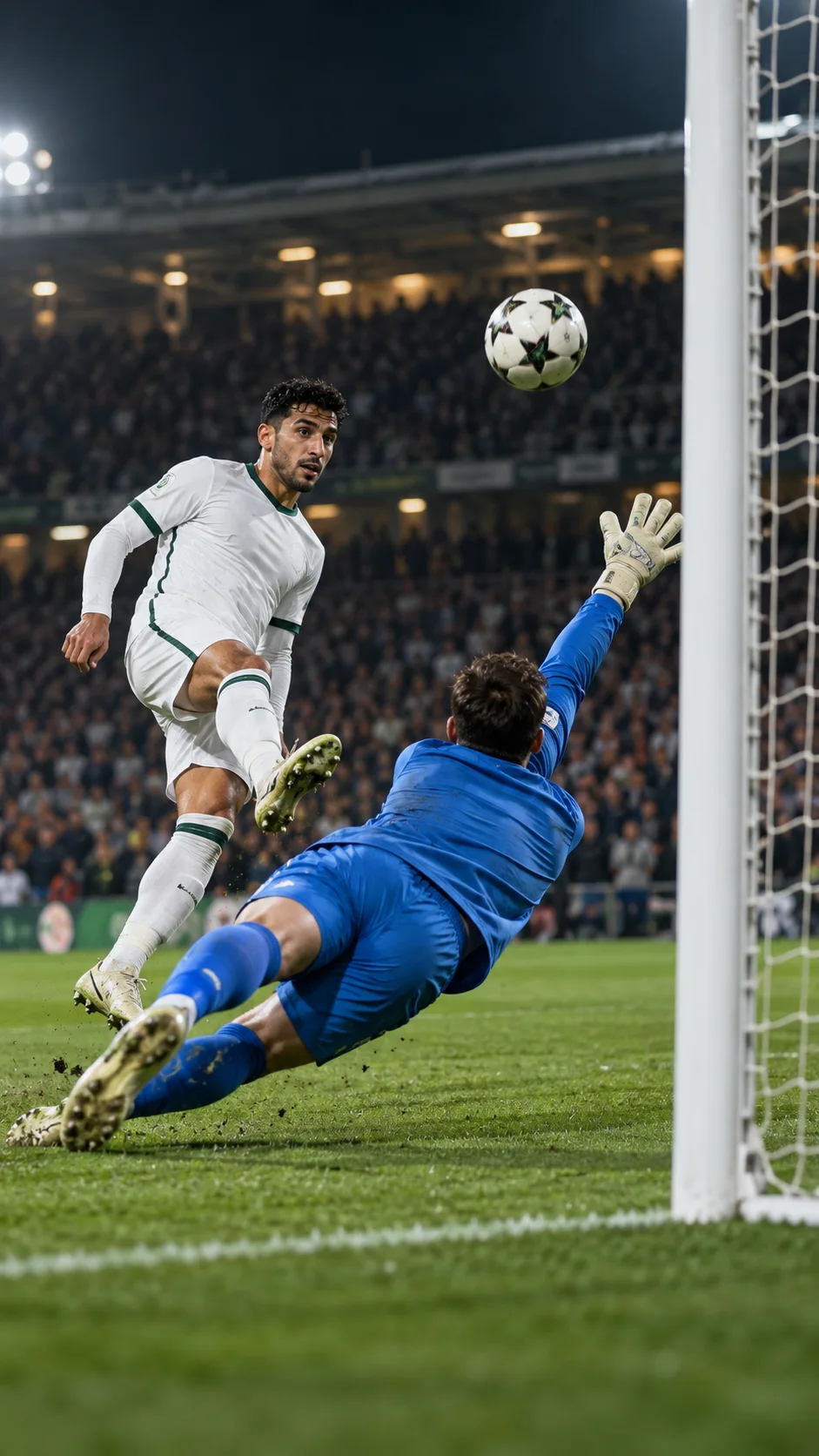
How to make an Ozil AI Goal video
Start with one clear photo
The Ozil AI Goal generator places your appearance into a prepared football sequence. You become the lead scorer: chip the goalkeeper, move past the defenders and finish into the net. You do not need to describe the scene or edit a timeline.
Choose a JPEG, PNG or WebP up to 10 MB. Use a well-lit photo of one adult who agrees to appear in the video. Make sure the face, hair and shoulders are visible. A group photo or a heavily filtered selfie gives the model a less useful reference.
Upload and check the preview
Open the Ozil AI Goal generator and choose your photo. The browser prepares it locally and shows a preview. You can replace or remove the photo before submission. Confirm that you have permission to use it.
The generated scene follows the reference football action. Facial details, clothing and movement can vary, especially when the scorer turns away or moves behind another player.
Sign in and choose a credit pack
Sign in to keep your task history and finished clips together. Credit packs are one-time purchases: $9.90 for 50 credits, $19.90 for 100 credits or $29.90 for 160 credits. Each 480p generation uses 20 credits, standard 720p uses 45 credits, and 1080p uses 80 credits. New accounts start with zero credits. Unused pack credits do not expire. See current credit pricing before buying.
If the service has not been configured, the generator displays a setup message and does not submit a paid task. Uploading a photo alone does not use credits.
Generate, preview and download
Press Generate my goal. Your task appears in your video library, where you can follow its progress. Processing time depends on the provider queue; a task that is waiting is not a completed video.
When the result is ready, watch the entire clip. Check the face, ball movement and framing, then download the MP4. Keep a local copy if you want to retain the clip for the long term.
A confirmed failed or canceled task returns its credits. If a submission is awaiting provider confirmation, contact support through your account rather than immediately submitting another task.
Share the finished moment
Use only photos and audio you have permission to share. Make clear that the clip was created with AI when sharing could otherwise confuse viewers. For a closer starting likeness, read the portrait photo tips.